
Download NetSee VPN – free vpn app, secure internet connection, anonymous browsing, mobile privacy, android vpn
Overview
NetSee VPN is a free mobile application designed for Android devices, aimed at providing users with a secure and private internet connection. The software enables anonymous browsing by routing internet traffic through encrypted tunnels, helping protect user data from potential threats such as surveillance, tracking, and data interception. It is specifically tailored for individuals seeking enhanced online privacy and security while using their mobile devices.
The app is intended for everyday users who want to safeguard their digital footprint when accessing public Wi-Fi networks or browsing sensitive content. It is particularly useful for travelers, remote workers, and privacy-conscious individuals who value confidentiality during online activities. The developer, NetSee, has positioned the application as a tool to promote freedom and safety in digital access, offering a straightforward solution for users who want to browse without restrictions.
Real-world use cases include protecting personal information while using banking apps, accessing region-restricted content, or avoiding data throttling by internet service providers. While the developer did not provide additional details about the underlying infrastructure or encryption protocols, the core functionality centers on delivering a secure tunnel between the device and the internet. The app’s simplicity and free availability make it accessible to a broad audience seeking basic privacy protection.
Key Features & Capabilities
- Secure Internet Connection – NetSee VPN encrypts all data transmitted between the device and the internet, minimizing exposure to hackers and third-party trackers.
- Anonymous Browsing – By masking the user’s IP address, the app helps maintain anonymity while surfing the web, reducing the risk of being monitored.
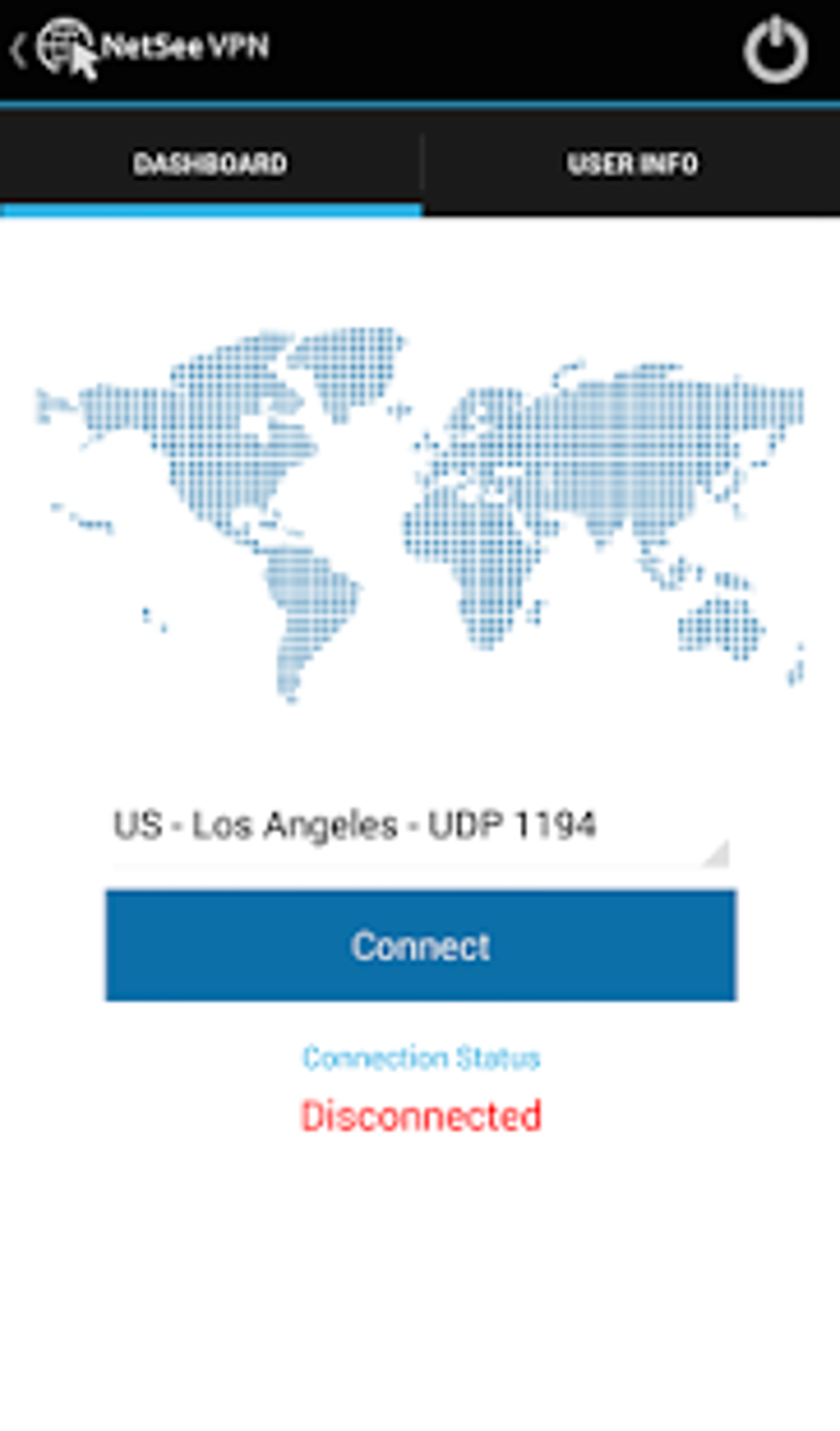
- Server Selection – Users can choose from a list of available servers displayed in the main interface, allowing them to connect to locations that suit their needs.
- Free Access – The application is available at no cost, making it accessible to users who want privacy tools without financial commitment.
- Mobile Privacy Protection – Designed specifically for Android, the app focuses on securing mobile internet usage, which is often more vulnerable due to frequent network changes.
These features support practical scenarios such as protecting sensitive data on public networks, bypassing geo-restrictions for streaming or news access, and preventing advertisers from collecting behavioral data. The ability to select servers enhances flexibility, enabling users to connect to regions with faster speeds or fewer restrictions. While exact performance metrics were not specified, the app’s structure suggests a lightweight design optimized for mobile use. The focus on simplicity and core functionality makes it suitable for users who prioritize ease of use over advanced customization.
User Interface, Workflow & Performance
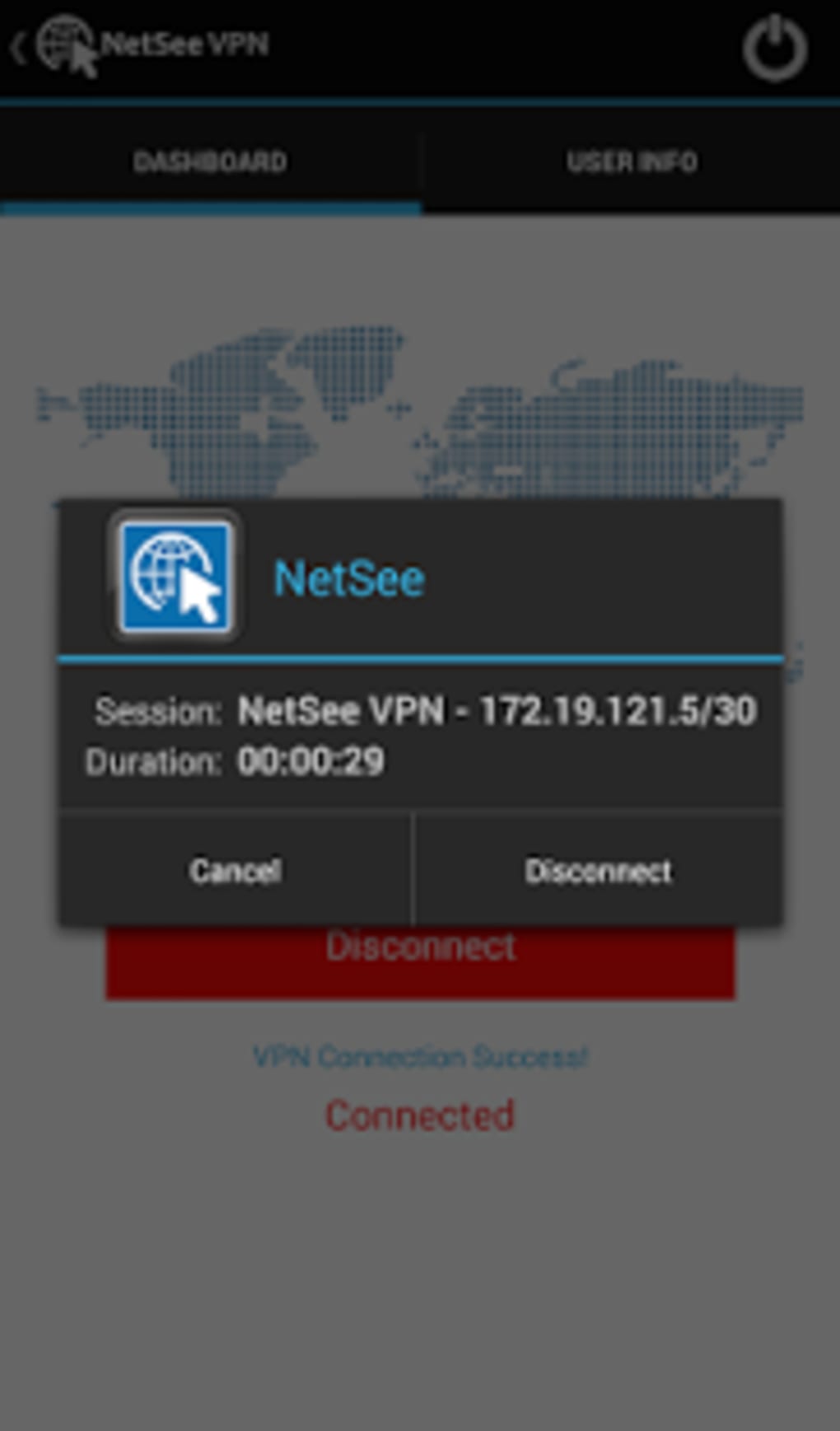
The user interface of NetSee VPN is designed with simplicity in mind, featuring a clean layout centered around the server list and connection controls. Navigation is straightforward, with a main screen displaying available server locations and a single button to initiate or terminate the connection. This minimalistic approach reduces the learning curve, making it accessible even to users with limited technical experience.
Workflow efficiency is optimized for quick setup: users can select a server and connect with minimal steps. The app likely follows standard Android service patterns for background operation, though specific details about background performance or battery impact were not provided. The developer did not specify resource usage details, so general behavior is based on typical mobile VPN applications. Stability during prolonged use is not confirmed, but the lightweight size of 14.5 MB suggests a low footprint on device storage.
Performance observations are based on general software behavior patterns. Users may experience variable connection speeds depending on server load and network conditions. The app’s functionality appears to be consistent with standard Android-based VPN tools, prioritizing security and usability over high-speed optimization. No data was provided on CPU or RAM consumption, so users should monitor performance on their individual devices.
Compatibility & System Requirements
NetSee VPN is compatible with Android operating systems, as stated in the product information. The app is available in version 2.5.0 and has an installation size of 14.5 MB. This suggests it is optimized for devices with moderate storage capacity and is likely to run on most Android smartphones and tablets released in the past several years.
Exact system requirements were not listed. The developer did not specify minimum Android version, processor type, or memory specifications. As a result, compatibility with older or newer devices cannot be confirmed. Users should ensure their device meets general Android app standards for installation and execution. The app’s file size is relatively small, which may contribute to faster download and installation times, especially on slower networks.
Platform compatibility information is limited. While it is confirmed to work on Android, details about support for tablets, wearables, or other form factors were not provided. Users are advised to check their device’s compatibility before downloading.
Pros and Cons
Pros
- Free to use with no hidden costs
- Simple and intuitive interface for quick setup
- Offers anonymous browsing and data encryption
- Allows selection of multiple server locations
- Lightweight design with low installation size (14.5 MB)
Cons
- No information provided on encryption protocols or server infrastructure
- Exact performance and battery impact details were not specified
- Limited system requirements and compatibility details
- No official information on logging policy or data retention
- Not available for other platforms such as iOS or desktop OS
FAQ Section
Is NetSee VPN safe to use on Android devices?
The app is designed to provide a secure internet connection using VPN technology. However, specific details about encryption standards, data handling, or privacy policies were not provided by the developer. Users should exercise caution and review the app’s permissions before installation.
Can I use NetSee VPN offline?
Yes, once connected, the app can maintain a secure connection without requiring an active internet connection. However, the initial setup and server selection require an internet connection to function.
Does NetSee VPN support multiple devices?
Based on the current information, the app is only available for Android. There is no indication of support for iOS, Windows, or other platforms. Users with multiple devices may need alternative solutions.
How often does NetSee VPN update?
The latest version is 2.5.0, released on November 15, 2023. The frequency of future updates was not specified. Users are encouraged to check for updates through the official app store.
What kind of license does NetSee VPN have?
NetSee VPN is distributed as a free application. No licensing details were provided. The absence of a formal license agreement or terms of service in the input suggests limited public documentation.
Final Thoughts + CTA
NetSee VPN presents a straightforward, free solution for Android users seeking enhanced online privacy and security. Its focus on anonymous browsing, encrypted connections, and server selection makes it a viable option for individuals who want to protect their data without investing in paid services. The lightweight design and simple interface contribute to a smooth user experience, particularly for those unfamiliar with VPN technology.
While the lack of detailed technical information—such as encryption protocols, logging policies, or system requirements—limits transparency, the app’s core functionality aligns with common expectations for a mobile privacy tool. It is best suited for casual users who prioritize accessibility and cost over advanced features or enterprise-grade security.
For those looking to browse the internet safely on their Android device, NetSee VPN offers a convenient starting point. Download NetSee VPN now to enhance your mobile privacy and enjoy a secure internet connection.





.png)

